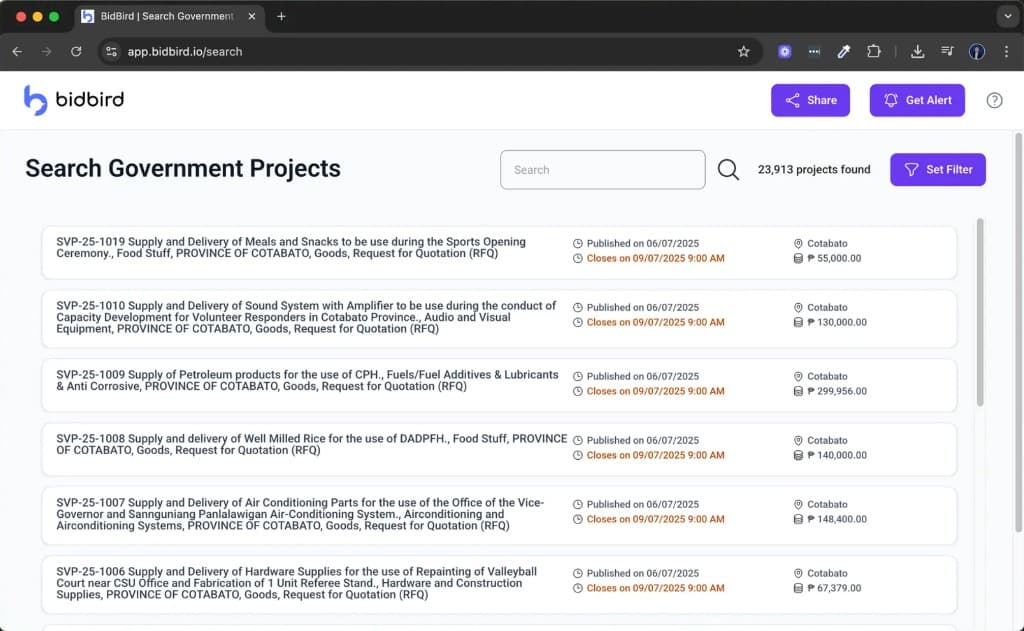
Find the right opportunities
Filter thousands of PhilGEPS postings by the products, services, agencies, locations, and keywords that describe your business.
For PhilGEPS suppliers and contractors
BidBird monitors PhilGEPS around the clock, surfaces the opportunities that match your business, and keeps your team organized.
Access is by invitation. We onboard supplier teams in small, hands-on batches.
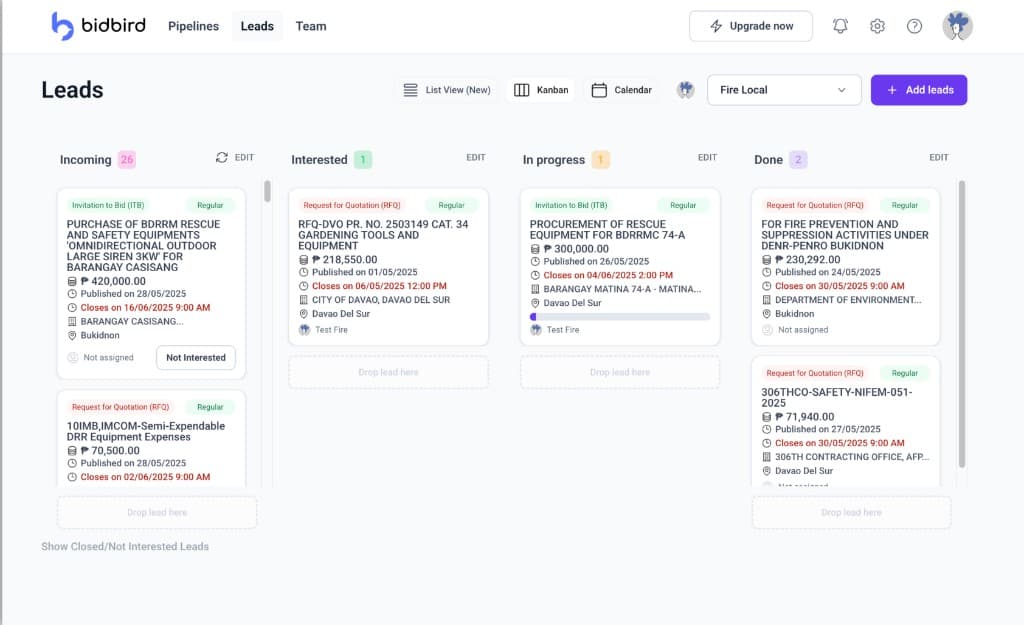
Suppliers lose hours every week scrolling listings that were never relevant. Miss the one that was, and you miss your next project.
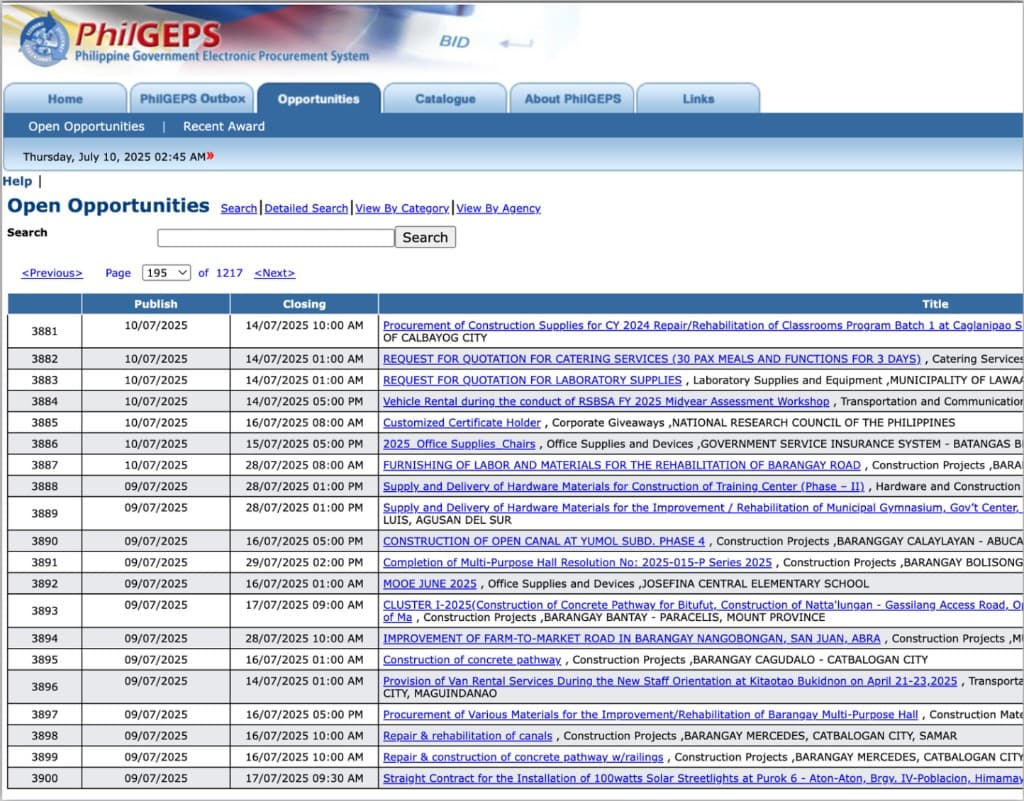
Someone has to find the bids. Either you give up your own hours, or you pay someone else theirs. Most suppliers pay both and still miss the ones that matter.
The owner or estimator checks the portal before work, over lunch, and after hours.
Hire someone whose job is to watch PhilGEPS and forward what looks relevant.
Your hours and your payroll go to winning bids, not scrolling for them.
Discovery, alerts, and the day-to-day work of bidding, in one place instead of five.
Filter thousands of PhilGEPS postings by the products, services, agencies, locations, and keywords that describe your business.
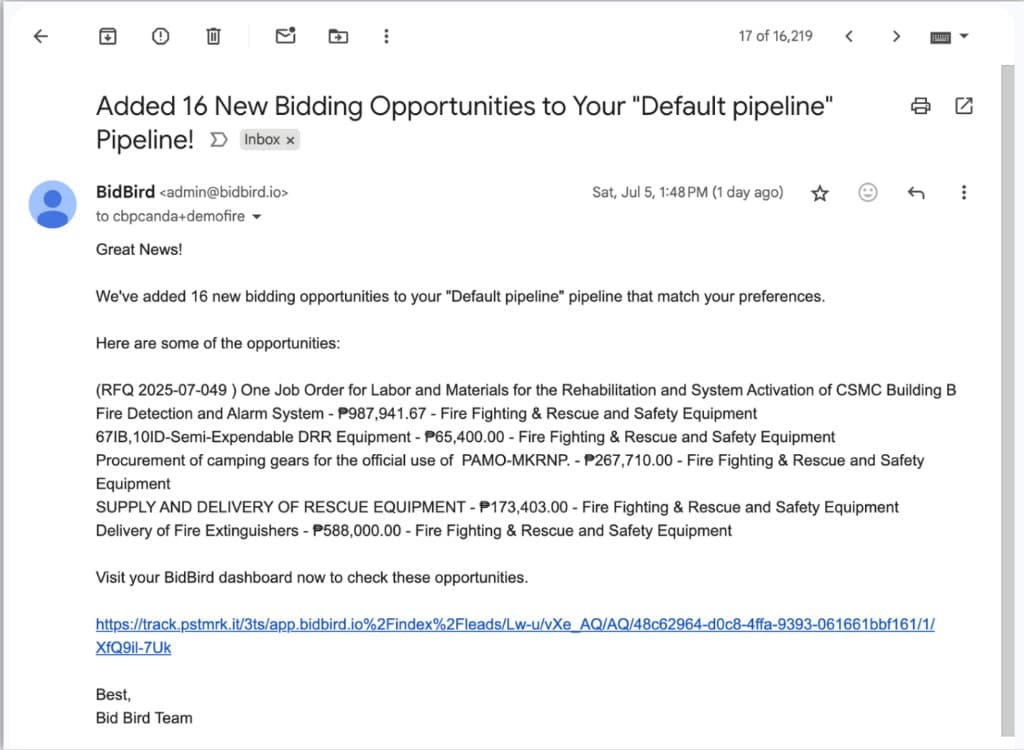
Get an email the moment new opportunities match a saved filter, so your team hears about them first.
Track deadlines, upload files, assign teammates, add notes, and move opportunities through your pipeline from discovery to submission.
Stop checking PhilGEPS several times a day to see whether anything changed.
Know about the bids that actually fit what your business supplies.
Keep files, deadlines, notes, and discussion attached to the bid they belong to.
Assign opportunities and track progress from one shared workspace.
Save the keywords, agencies, regions, and categories your business bids on.
BidBird keeps watching PhilGEPS and notifies you the moment new postings match.
Track deadlines, assign teammates, upload documents, and move work to submission.
PhilGEPS stays the official source where you register and submit. BidBird is the layer that finds the right postings and keeps the work moving.
| Capability | PhilGEPS | BidBird |
|---|---|---|
| Automatic opportunity matching | Not available | Available |
| Smart email alerts | Limited | Available |
| Saved business filters | Basic | Available |
| Bid pipeline | Not available | Available |
| Team collaboration | Not available | Available |
| Deadline tracking | Not available | Available |
| Notes and file management | Not available | Available |
Using BidBird feels like cheating, in the best way. It gives us such an unfair advantage that I almost didn't want to recommend it.
A must-have for anyone working with PhilGEPS. Fast, reliable, and well designed. I only wish I had known about it sooner.
The easiest way to stay on top of PhilGEPS bids. It saves me hours every week and keeps me from missing important opportunities.
More than 177,000 businesses are registered on PhilGEPS, yet many small and local suppliers never see the contracts they could win. BidBird exists to change who gets to compete.
Large contractors have people watching PhilGEPS all day. BidBird gives a five-person supplier the same view of every opportunity that fits.
When more qualified suppliers compete for a contract, public funds go further, and awards depend less on who happened to see the posting.
Every posting is already public. We make sure the businesses it was meant for find it before it closes.
Our work supports the UN Sustainable Development Goals for decent work and economic growth (SDG 8) and for effective, accountable institutions (SDG 16).
Access is by invitation. We onboard supplier teams in small batches so every team gets hands-on setup. Request early access and we will reach out when a slot opens for your team. If you would rather see BidBird first, request a free demo.
Every opportunity comes from PhilGEPS, the Philippine Government Electronic Procurement System. BidBird collects the public postings and organizes them so they are easier to search and track.
Yes. PhilGEPS remains the official portal where you register as a supplier and submit your bids. BidBird sits alongside it to help you find the right opportunities and manage them.
BidBird checks PhilGEPS daily, so new postings that match your saved filters reach you without anyone on your team having to open the portal.
Yes. You can assign opportunities to teammates, leave comments, upload bid documents, and follow deadlines from a shared pipeline.
No. BidBird helps you find opportunities and organize the work behind them. Submitting the bid itself still happens through PhilGEPS and the procuring entity's own process.
Yes. Request a free demo and we will walk you through BidBird using the categories, agencies, and regions your business actually bids on, so you can see the opportunities it surfaces for you before deciding.
Want to see it first? Read past issues
Request early access and we'll reach out to set your team up with the government opportunities that match your business.
We onboard new teams in small batches. A demo is the fastest way to see BidBird on your own categories.